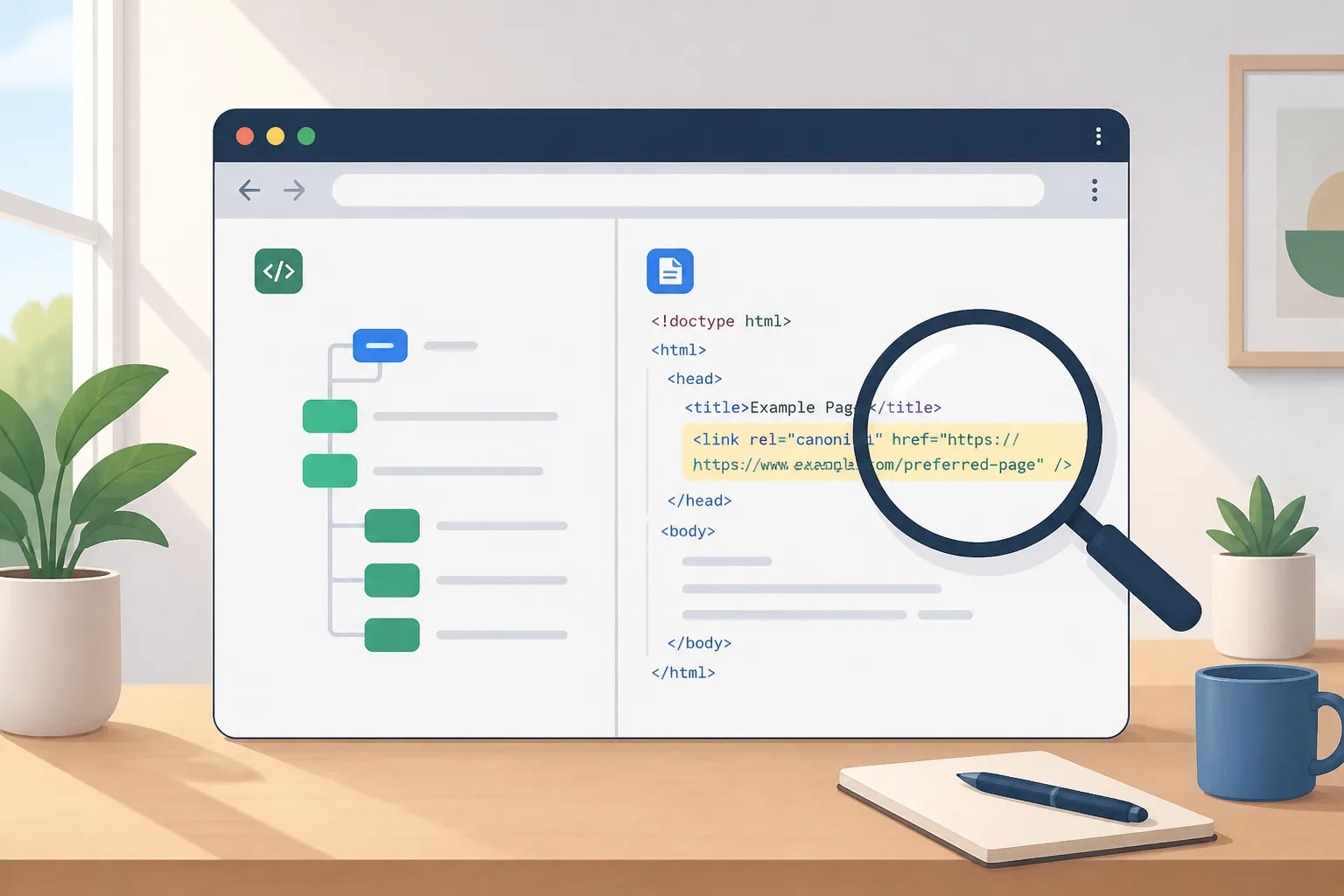
New pages not showing up in Google is almost always a crawl or canonical problem, not a content problem. Fix the gates first. With a short set of checks for crawl access, sitemap hygiene, and canonical alignment, you can usually move a stuck URL into the index within a few days.
1) Check crawl access and your sitemap
Make it easy for Googlebot to fetch, render, and decide a page is indexable.
- robots.txt sanity check. Visit yoursite.com/robots.txt. Confirm there is no broad “Disallow: /”. Do not block key paths like /blog/ or /wp-content/themes/ if CSS or JS there is needed to render the page. Add a single, absolute sitemap line such as
Sitemap: https://yoursite.com/sitemap.xml. Use HTTPS and the preferred host (www or non-www) consistently. - Return a clean 200. The final URL should resolve quickly to HTTP 200. 301s to the canonical are fine. Avoid long 302 chains. Any 401, 403, or 503 will halt indexing. Spot-check with your browser dev tools or a header check.
- No unintended noindex. Remove any
<meta name="robots" content="noindex">in the HTML and anyX-Robots-Tag: noindexin HTTP headers. If you must keep a page out of the index, pair noindex with a 200 and allow crawling. Do not block it in robots or Google cannot see the noindex. - Make it reachable internally. Give the page a clear internal path from your nav or a topical hub. Orphans often sit in “Discovered - currently not indexed.” Add 2 to 4 contextual internal links using the canonical URL.
- Keep the sitemap tight. Only list canonical 200 URLs you want indexed. Exclude redirects, 4xx/5xx, parameter variants, and noindex pages. Keep each sitemap file under 50,000 URLs or 50MB uncompressed. Update
<lastmod>when content meaningfully changes to earn fresh crawls, and submit a sitemap index if you have multiple files.
Even strong niche content depends on crawlability. For example, this helpful piece on how parents can run tutoring background checks that work only serves families if search engines can fetch and index it. It comes from a tutor directory that helps people find local or online tutors by subject and place, so correct indexing directly affects discovery.
If you want help on autopilot, RankGoat’s weekly indexation checks validate robots, status codes, and sitemaps so accidental blocks get caught fast.
2) Align canonical signals
Mixed signals cause “Duplicate, Google chose different canonical than user.” Make every hint point to one URL.
- Self-canonical on the preferred URL. On the primary page, set
rel="canonical"to itself. Do not point a main page at an alternate by mistake. - Match HTML and HTTP headers. If you set canonicals in HTTP headers and in HTML, they must match exactly. Conflicts are ignored.
- Avoid chains and loops. Canonical A → B and B → C is ambiguous. Canonical A ↔ B is worse. Point each variant directly to the final canonical.
- Normalize parameters. UTM and sort/filter parameters should canonical to the clean base path. Update internal links to the canonical URL to reinforce the choice.
- Hreflang coordination. Each language or locale version canonicals to itself and references alternates via hreflang. Do not canonical different languages to one page or you will suppress them.
- Pagination clarity. Page 2, 3, and so on should be self-canonical and interlinked. Do not canonical page 2 to page 1 if page 2 holds unique items.
RankGoat’s canonical audits surface mismatches, parameter traps, and pagination mistakes, then fix templates so your preferred URLs win consistently in Search Console’s “Google-selected canonical.”
3) Remove thin and duplicate waste
Google will skip pages that look empty, near-empty, or redundant, even if they return 200.
- Fix soft 404s. In the Pages report, look for “Soft 404.” If a page says “no results,” is boilerplate, or is ad-heavy, either enrich it with unique value or return 410/404 and remove it from sitemaps and internal links.
- Consolidate true duplicates. Force a single protocol and host (HTTPS, www or not), one trailing-slash policy, and a single case for paths. 301 everything else to the canonical and update internal links.
- Control faceted URLs. Filters such as
?color=red&size=mcan explode into crawl traps. Either canonical them to the base page, mark them noindex while allowing crawl, or limit crawl with selective robots rules. Do not put them in sitemaps. - Repair orphans. Useful but unlinked pages waste crawl budget. Add links from relevant category pages, hubs, and fresh posts. RankGoat’s orphan-page repair identifies zero-inlink URLs and proposes placements that make sense.
These cleanups concentrate authority and crawl budget on one best version per topic, which speeds discovery and indexation.
4) Resubmit and monitor outcomes
After fixes ship, nudge reprocessing and watch the right signals.
- Request indexing for priority URLs. In Search Console, use URL Inspection to fetch the live page and select “Request Indexing.” Do this for templates you just repaired and high-value pages.
- Resubmit sitemaps. After cleaning the file, resubmit it in Search Console. Resolve “Couldn’t fetch” or “Sitemap has no URLs” immediately, as they often signal formatting or path mismatches.
- Track status changes. In the Pages report, watch movement from “Discovered” or “Crawled - currently not indexed” to “Indexed.” If pages regress, recheck for thin content, conflicting canonicals, blocked resources, or slow responses.
- Check Crawl Stats. Look for a rise in “OK” fetches for your fixed sections and shorter average response times. Spikes in “Denied by robots.txt” or “Server Error” point to remaining blockers.
- Watch AI surfaces. Clean canonicals, clear entities, and helpful summaries increase inclusion in AI overviews and assistants. RankGoat applies practical Generative Engine Optimization tactics and on-page adjustments once pages are crawlable.
RankGoat also places contextual dofollow backlinks and monitors them daily. Those links help new posts get discovered faster and support steady indexation.
5) Prevent regressions
Indexing problems spike when content ships without a checklist. Bake prevention into your publishing flow and review it monthly.
- Ship on-page basics by default. Titles, meta descriptions, headers, descriptive alt text, internal links, and Article or FAQ schema make intent and entities obvious. RankGoat posts include these by default.
- Plan topical clusters. Group posts around your money pages with mapped keywords and internal link paths. Hubs earn more crawling and pass context to spokes.
- Localize cleanly. Write natively for each market and set correct hreflang pairs. Each locale self-canonicals and references alternates. Avoid mixing languages on one URL.
- Keep the sitemap strict. Only canonical 200 URLs belong. Automate weekly checks for sitemap validity, robots syntax, indexation status shifts, and canonical consistency. RankGoat’s indexation checks handle this routine.
- Audit soft 404s and parameters on a schedule. Thin tag pages and exploding filter URLs creep back in. RankGoat’s soft 404 audits and parameter handling keep them from polluting crawl budget.
Watch for these common mistakes:
- Listing redirected, noindex, or non-canonical URLs in your sitemap.
- Mixing trailing slashes, uppercase paths, and tracking parameters in internal links.
- Using JavaScript-only navigation with no HTML link fallback, hiding paths from bots.
- Blocking essential CSS or JS in robots, causing render failures or “Blocked by robots.txt.”
- Accidentally setting a sitewide canonical to the homepage after a template change.
Key takeaways
- Fix crawl access, sitemap hygiene, and self-referencing canonicals first.
- Remove soft 404s and consolidate duplicates so one strong version can rank.
- Resubmit, then monitor Pages and Crawl Stats. Keep automated checks running weekly.
- RankGoat automates indexation checks, canonical audits, soft 404 triage, technical cleanup, steady content, and contextual backlinks.
Want a quick preflight before you publish? RankGoat’s free tools include a Domain Rating Checker, SEO Checker, Sitemap Checker, and SERP Snippet Preview. Use them to spot issues before a page goes live. If you would rather not manage this in-house, RankGoat can write and auto-publish posts on a steady cadence, then validate indexing and fix technical issues as they appear.
FAQ
How long does it take for a page to get indexed after fixes?
If you fix crawl, sitemap, and canonical problems, many pages index within a few days. Request indexing in Search Console and watch the coverage report.
Should I remove or improve soft 404 pages?
Improve them if they serve a purpose and can deliver real content. If not, return 410 or 404 and keep them out of your sitemap and internal links.
Is a sitemap required for indexing?
No, but it helps discovery and speeds up recrawls. Keep it to canonical 200 URLs only and resubmit it in Search Console after major updates.
Can conflicting canonicals stop indexing?
Yes. If your page points to a different canonical or conflicts with headers, Google may choose another URL. Use one clear, self-referential canonical.
How does RankGoat help with AI search visibility?
Once pages are indexable, RankGoat applies Generative Engine Optimization and on-page tweaks so content is more likely to be included in AI answers.