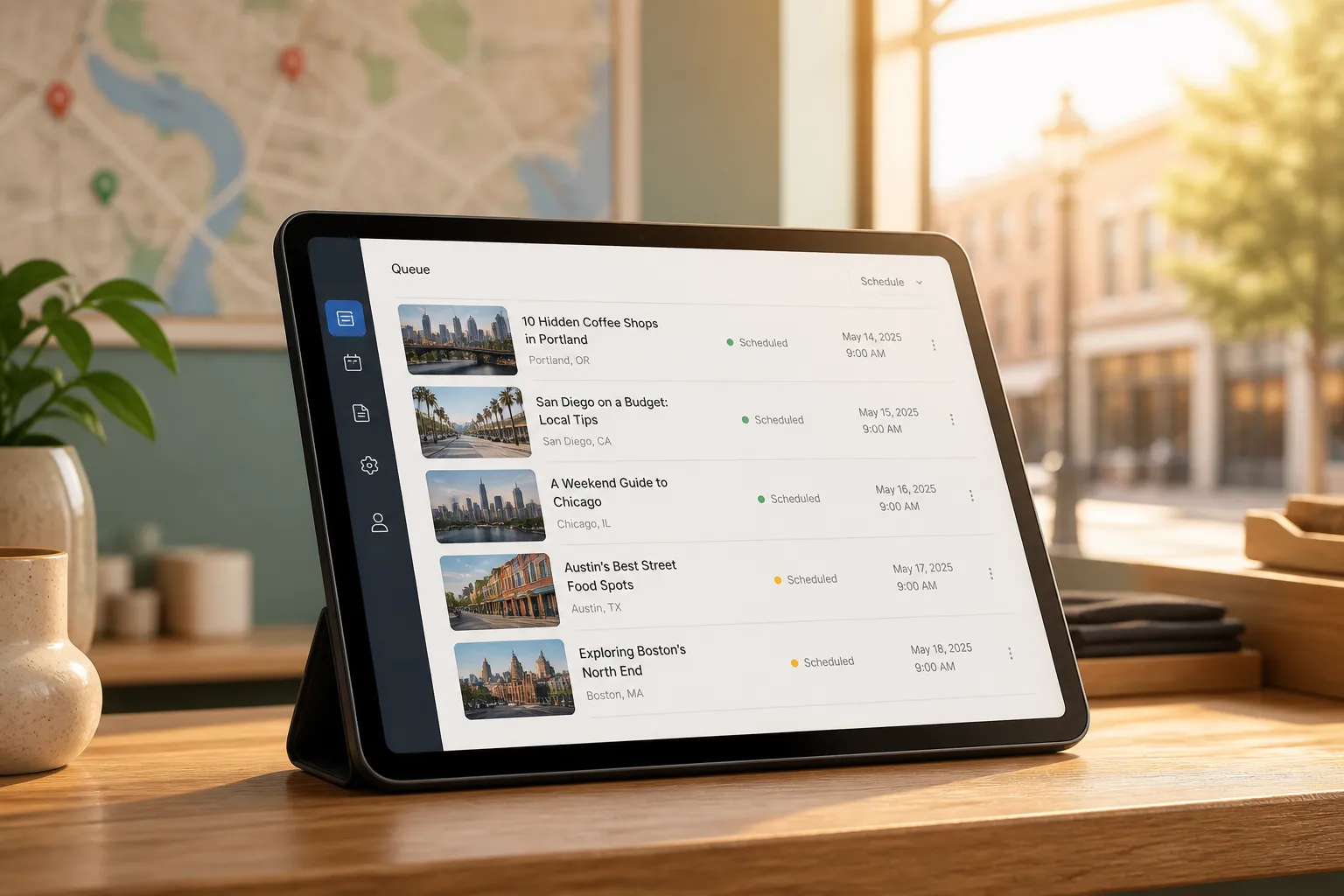
Your crews cover 8 suburbs, but your site still reads like you only work in one city. Manually spinning up geo pages, writing local posts, and chasing backlinks eats nights and weekends. Here is a practical workflow to automate the heavy lifting so you publish faster, stay indexed, and show up in Google and AI answers where buyers look.
1) Map service areas and keywords
Make a simple grid. Column A: every city, suburb, and neighborhood you truly serve. Column B: high-value services (HVAC repair, water heater install, dental implants, IT support). That gives you a Service x Location plan you can prioritize by revenue impact and distance.
Standards that save you later:
- URL pattern. Pick one and stick to it: /service-areas/{city}/{service}/ or /{service}/{city}/. Consistency helps crawlers and reporting.
- Naming. Title: “{Service} in {City} | Brand”. H1: “{City} {Service}”. Slug: “{city}-{service}”.
- Coverage notes. List ZIP codes, well-known neighborhoods, and landmarks clients mention on calls. Add them to copy naturally.
Build keywords per cell in the grid:
- Core: “{service} in {city}”, “{city} {service} company”, “best {service} {city}”.
- Local intent: “near me”, “open now”, “same-day”, “24/7”, seasonal modifiers.
- Entities: neighborhoods, ZIPs, county, sports teams, and local regulations that influence the job.
- Questions: pricing, response time, permits, insurance, warranties. These feed your on-page FAQ block.
Plan content in clusters around revenue pages. Each money page gets 3 - 6 supporting posts tuned to the city or state, for example:
- “How much does {service} cost in {city}?” with a realistic price range and factors.
- “{Service} regulations, permits, and inspections in {state}/{city}.”
- “Seasonal {service} checklist for {city} homeowners.”
If you use RankGoat, topic and keyword planning builds clusters around revenue pages with mapped keywords, internal link paths, and entity coverage. Multilingual? RankGoat detects your default language, writes natively, and localizes posts with correct hreflang so you do not ship mixed-language pages.
Pick a cadence you can keep. More locations means more posts. Match publishing volume to goals and budget. If you are weighing output and pace, review RankGoat pricing so your post volume covers the locations that matter first.
2) Automate geo page publishing, internal links, and schema
Create a reusable city-page template and a matching post template. Keep the bones identical, but make the copy sound like you actually work there. Mention street names you service, typical response times by area, seasonality, and any rule-of-thumb that changes by city. Thin boilerplate will fade fast.
City page structure that works:
- H1 and 2 - 3 sentence intro with service, city, and proof (years in area, licensed, emergency hours).
- Coverage zone: neighborhoods and ZIPs you actually serve.
- Pricing and timelines: realistic range with factors that move price up/down.
- Process: how booking, site visit, and follow-up work.
- Local proof: permits or regulations that apply in that city, plus 1 - 2 short testimonials from nearby clients.
- FAQ: 3 - 5 buyer questions answered in 1 - 2 sentences each.
- CTA: phone, form, chat, and hours. Include NAP consistent with your Google Business Profile.
On-page basics to bake into your templates:
- Titles and metas that include service + city + benefit. Keep titles under ~60 chars and metas under ~155 chars.
- Descriptive alt text for images that fits naturally: “technician installing heat pump in Arlington”.
- Schema where it fits: FAQPage on pages with Q&A; Service schema tied to your offering; BreadcrumbList across templates. RankGoat posts ship titles, meta tags, headers, alt text, internal links, and schema out of the box.
- Internal links: each city post links to its revenue page and nearby city pages. Use anchors like “emergency AC repair in Arlington” instead of “click here”.
Publishing speed matters. A done-for-you blog writing service keeps a steady drumbeat of local content live without your team babysitting drafts. RankGoat’s automated blog publishing writes and auto-publishes helpful posts to your site on a steady cadence, up to plan limits, and each post supports the service pages that make you money.
If your site runs on Nuxt or Vue and you are wiring up location templates and i18n, a Nuxt boilerplate starter kit with auth, payments, i18n, and deployment tooling saves weeks so you can focus on the SEO work above.
Working in multiple languages? RankGoat writes in the detected language and adds hreflang for each translation so the right audience sees the right page without duplicate-content headaches.
3) Monitor performance and replace lost links
Local rankings move. Competitors add pages, tweak titles, and win links. Track performance by page, service, and city so you can react fast.
- Search Console: filter Performance by Page, then add Query filter for the city name. Watch terms in positions 4 - 12. These are near-wins you can push with a title tweak, a supporting post, or a new internal link.
- Title tuning: add a clear benefit and a qualifier. Example: “Furnace Repair in Plano | 24/7 Same-Day Service”.
- Internal links: add 2 - 3 links from existing traffic pages to the near-win geo page using precise anchors that include the service and city.
Links still move local pages, especially new ones. RankGoat’s network dofollow backlinks give each post a contextual link from a vetted member site using non-reciprocal placements. Daily link monitoring checks those backlinks and automatically reroutes or replaces them if a partner drops or nofollows your link. That safety net beats chasing webmasters one by one and works like a dependable backlink building service without the babysitting.
Do not spray links randomly. Prioritize service-location pairs that are one push from page one. Tighten internal links first, then let RankGoat’s per-post dofollow link help tip the balance.
AI answers matter too. RankGoat tracks AI search visibility and applies Generative Engine Optimization plus on-page tweaks to improve inclusion in AI answers. Add a short answer block to each city page that states service, service area, price range, and response time. That language is easy for AI overviews to cite.
4) Fix indexing blockers weekly
Publishing is half the job. Getting crawled and indexed is the other half. Run a quick weekly sweep so new geo pages do not sit in limbo.
- Search Console triage: focus on “Crawled - currently not indexed”, soft 404s, and duplicate canonical issues. Each city URL should self-canonicalize.
- Sitemaps: segment by type (money pages, city pages, blog). Ensure lastmod updates on publish. RankGoat runs weekly indexation checks and validates sitemaps, robots, and canonicals so pages get indexed.
- Crawl paths: fix orphans by linking new city pages from the service hub, header/footer where appropriate, and a city index page. Clean up soft 404s, duplicate content, parameter traps, and broken pagination.
- Rendering: if your stack is JS-heavy, enable SSR or prerender important geo pages. Test live URL in Search Console to confirm Google sees content and links.
- Hreflang: for localized posts, include correct language-region pairs and a self-referential return link. Avoid mixing languages on the same URL. RankGoat handles this during localization.
- Snippets and QA: preview titles and metas with RankGoat’s free SERP Snippet Preview, and run new city pages through the free SEO Checker to catch missing headers or alt text. If a page is thin, add a compact FAQ that answers actual buyer questions for that city.
For authority signals, the free Domain Rating Checker gives a quick pulse on how you stack up locally. If you ship new sitemaps for location pages, the free Sitemap Checker confirms they parse cleanly.
5) Common pitfalls and quick fixes
- Doorway pages. Swapping only the city name invites thin-content labels. Fix with real, city-specific sections: coverage zones, seasonal notes, permit steps, and local testimonials.
- Overbuilding. Do not publish for towns you never visit. Start with your core footprint, then expand once pages rank and convert.
- Weak internal links. Orphaned city pages stagnate. From new posts, link to the matching revenue and city pages with specific anchors. RankGoat maps internal link paths during planning.
- Broken hreflang. Mixed-language or missing tags confuse crawlers. Use hreflang on localized posts so the right language shows in the right country. RankGoat handles this as part of localization.
- Ignoring AI answers. Pages without a clear, quotable summary miss AI overviews. Add a 2 - 3 sentence direct answer that names the service, city, typical cost or response time.
- Lost links. Backlinks rot. RankGoat’s daily link monitoring reroutes or replaces lost links so your link graph stays intact.
Key takeaways
- Plan by Service x Location, then build clusters that support revenue pages.
- Use consistent URL, title, and schema patterns, and add real city-specific detail.
- Automate publishing with an SEO tool. RankGoat pairs a done-for-you blog writing service with per-post dofollow links.
- Track near-win terms, add internal links, and tune titles. Aim to push pages in positions 4 - 12 onto page one.
- Run weekly indexation checks, fix crawl paths, and keep hreflang clean so new geo pages get indexed fast.
FAQ
How many geo pages should I create to start?
Start with your top services in your top 3 to 5 cities. Prove rankings and conversions there, then expand to nearby neighborhoods as you see wins.
Will templates cause duplicate content issues for city pages?
Templates are fine if the copy is truly localized. Add city-specific details, unique FAQs, and internal links so each page stands on its own.
How do I handle multilingual local SEO?
Create native-language versions and add hreflang so the right users see the right pages. RankGoat localizes posts and sets hreflang as part of publishing.
What if a backlink to my new city post gets removed?
RankGoat checks backlinks daily and will reroute or replace links that are dropped or nofollowed, so you keep link equity without manual outreach.
What is GEO and why does it matter for local SEO?
GEO stands for Generative Engine Optimization. It helps your pages get cited in AI search answers by making content easy for AI systems to quote.